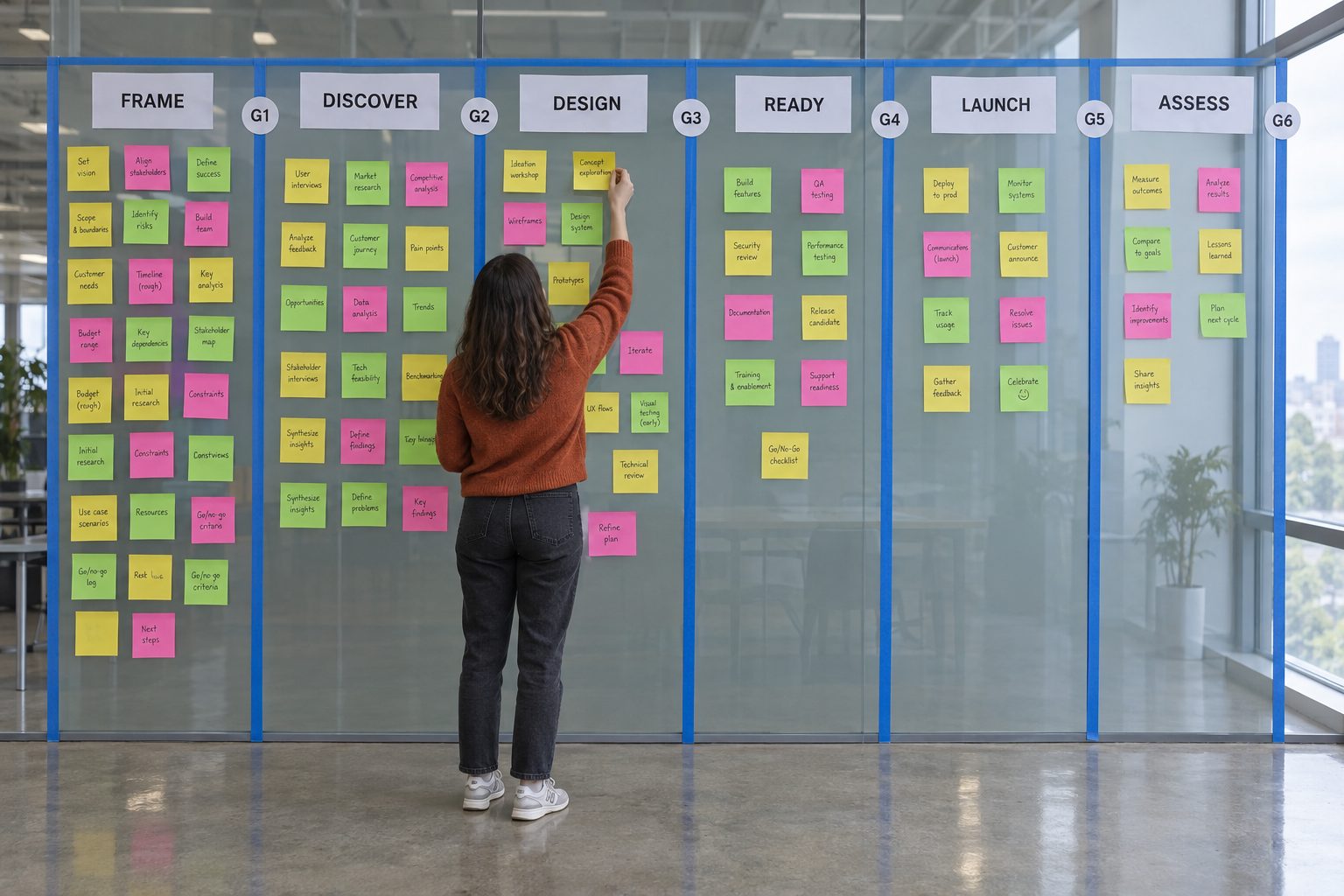
Step 1 · FRAME
Problem
Define the customer problem, the vision, the business case and the measurement plan before anyone talks about a solution.
Key question
Is the problem worth solving?
DVQE · Validate Desirability, Viability, Quality and Executability. Scored in 1.6, required to exit G1.
Backlog: Initiative created after G1 · Ceremony: Portfolio intake
Brief sections · 6
Stage gate
Confirms the problem is real, framed, sized — and worth solving.
- Decides
- Product Leader
- Agree
- Product VP + Product AVP + Finance + Research Lead
- Evidence
- FRAME sections 1.1–1.6 complete · Measurement plan drafted · DVQE scored
RAPID at this gate
Killer questions the Gate Reviewer asks
Is the problem worth solving, and does 1.6 DVQE show Strong or Partial evidence on every dimension? Is this a real customer problem or an internal preference? What are customers doing today instead? What happens if we do nothing for two quarters? Which load-bearing claim is asserted rather than measured? Does the business case survive half the adoption and 1.5× the effort? Could the single success metric be hit while the customer is worse off? Who can veto late and has not been told?
Before the gate · 7 checks
- Every 1.1–1.6 field has a source in parentheses or a highlighted [GAP]; no bare text.
- Read the G1 readout in Appendix C; close or consciously accept every Fatal and Structural item and record the acceptance in the gate OUTCOME row.
- Product VP and Product AVP have seen 1.3 (email or meeting in the sources).
- BI Lead confirmed baselines in 1.4 exist or are scheduled for instrumentation.
- 1.6 DVQE: all four dimensions scored Strong / Partial / Weak with evidence and source; Weak verdicts named in the readout.
- AI Risk Tier chosen and consistent with the AI ROLE in 1.1.
- Discovery owner named and calendar held for the Discovery workshops.
After approval · 3 steps
- Record OUTCOME and sign-offs in the G1 table; file the Reviewer readout with the gate pre-read.
- Backlog tool (Jira Align, Jira or equivalent): create the Initiative. Create › Epic (Portfolio). Title = project name from Project Identity. Description = 1.1 WHO/WHAT/WHY and the 1.2 north-star (paste, 150 words max). Strategic Theme / OKR = the OKR in 1.1. Owner = Product Leader. Target completion = from 1.2 success-criteria window. State = Approved or program equivalent. Paste the backlog Epic ID into table A1.
- If the program uses Strategic Themes as the Initiative level, create or link the Theme instead and record its ID in A1.